Summary
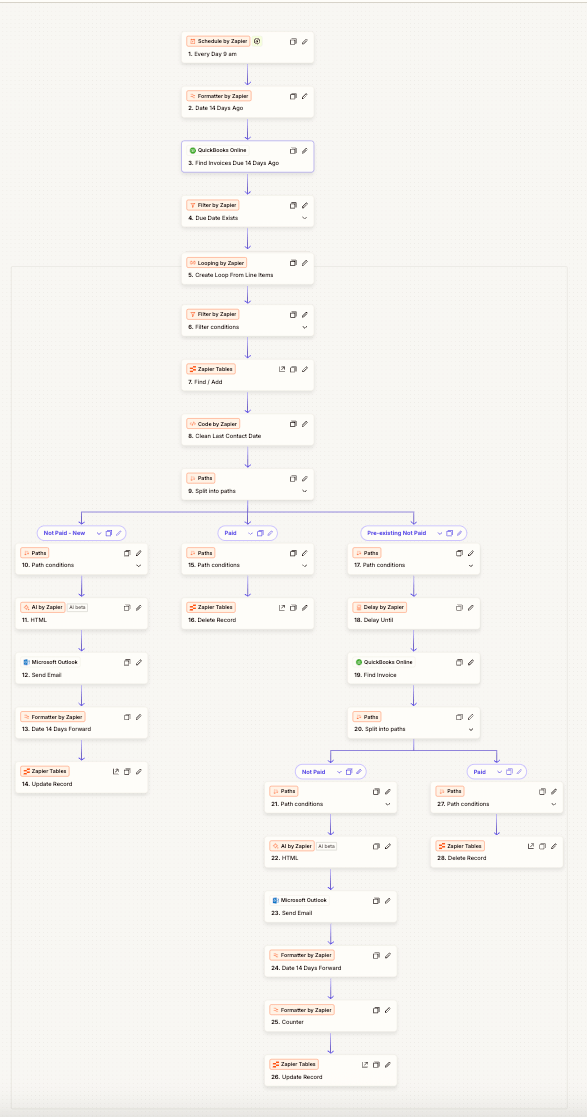
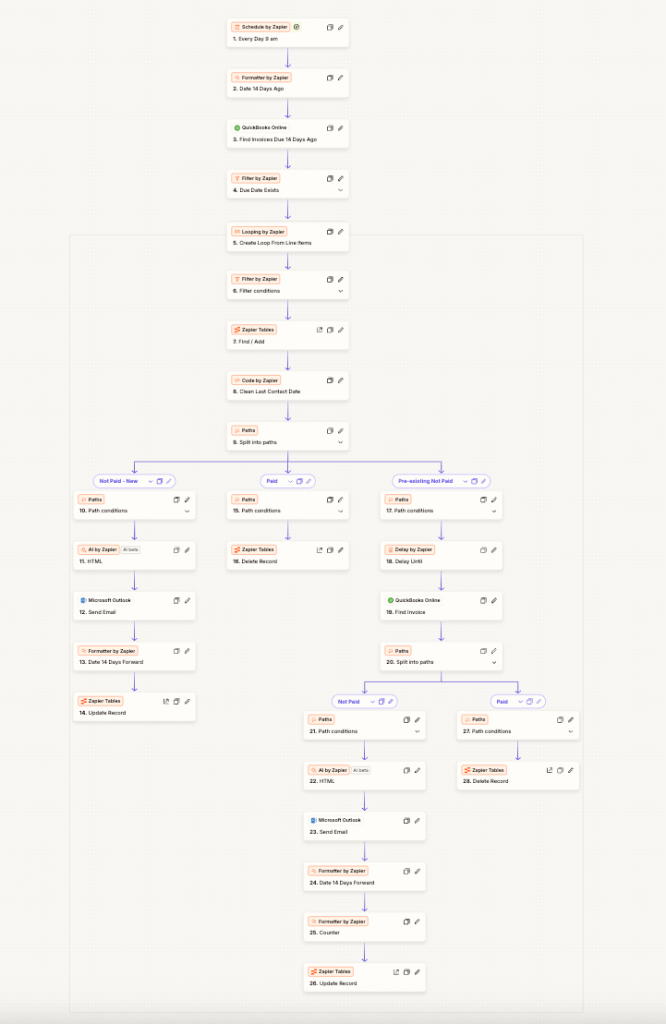
This Zap keeps A/R tidy by checking for invoices that became due 14 days ago. Each day it looks up those invoices, automatically emails a reminder for any that are still unpaid, updates your records, and closes/deletes the ones that are marked paid—so your receivables stay organized and clients get a gentle nudge.
2) Workflow Steps
- Schedule by Zapier – Runs daily at your chosen time.
- Code by Zapier – Calculate the target date (today − 14 days) and format it (ISO 8601).
// output: cutoff (string) const cutoff = new Date(Date.now() - 14*24*60*60*1000).toISOString(); return { cutoff }; - Find Invoices (Zapier Tables/Your Source) – Query for invoices where Due Date == cutoff (or
<= cutoffwith status filters). - Filter by Zapier – Keep only invoices with Status = Unpaid / Overdue.
- Looping by Zapier – Process each invoice individually.
- Paths by Zapier
- Path A – Unpaid:
- Send Reminder via Gmail/Outlook/SendGrid (personalized template with invoice #, amount, link to pay).
- Update Record (e.g., “Reminder Sent: YYYY-MM-DD”, increment reminder count).
- (Optional) Notify A/R in Slack for high-value invoices.
- Path B – Paid:
- Update/Archive/Delete the invoice record in your working table to keep the list clean.
- Path A – Unpaid:
- Logging (Optional) – Write an activity line to a log table or a Google Sheet for audit.
Safeguards
- Include a “Do Not Email” / Opt-out flag in your table and filter accordingly.
- Add a max reminders check (e.g., stop after 3).
3) ROI
- Faster collections: Expect 5–15% reduction in DSO from consistent, on-time reminders.
- Time saved: Replace manual weekly chases (~1–3 hrs/week) → 50–150 hrs/year back.
- Cleaner data: Paid items disappear from your “work” view, reducing mistakes and double-touches.
Example: If your A/R coordinator costs $40/hr and saves 80 hrs/yr → $3,200/yr in reclaimed time, plus improved cash flow from earlier payments.
4) Implementation Timeline
- Build & test: 45–60 minutes
- Dry run (recommended): 2–3 days sending reminders only to an internal inbox
- Go live & monitor: Same week; review the first two daily runs
5) Tools Used
- Zapier
- Schedule by Zapier
- Code by Zapier (date math)
- Filter by Zapier
- Looping by Zapier
- Paths by Zapier
- Zapier Tables (or your source of truth: Airtable, Google Sheets, etc.)
- Email: Gmail, Outlook, or SendGrid (with unsubscribe management)
- Messaging (optional): Slack or Microsoft Teams for A/R alerts
- Accounting/ERP (optional): CIN7 Omni (DEAR Systems), QuickBooks, Xero (for status lookups and payment links)
 BAEZ TECH SOLUTIONS
Leave a comment