Overall
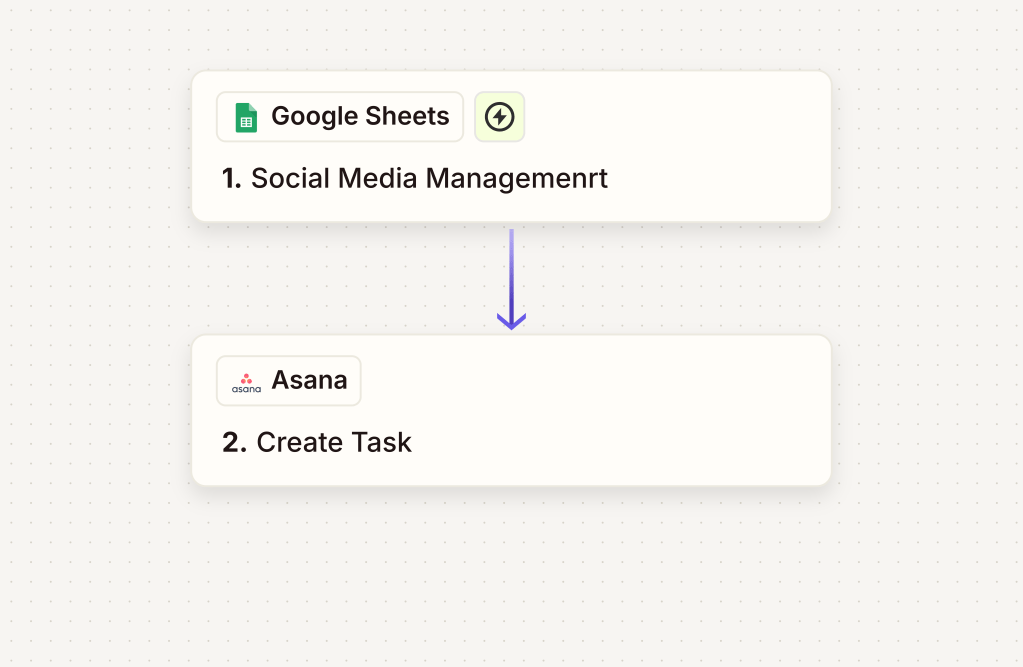
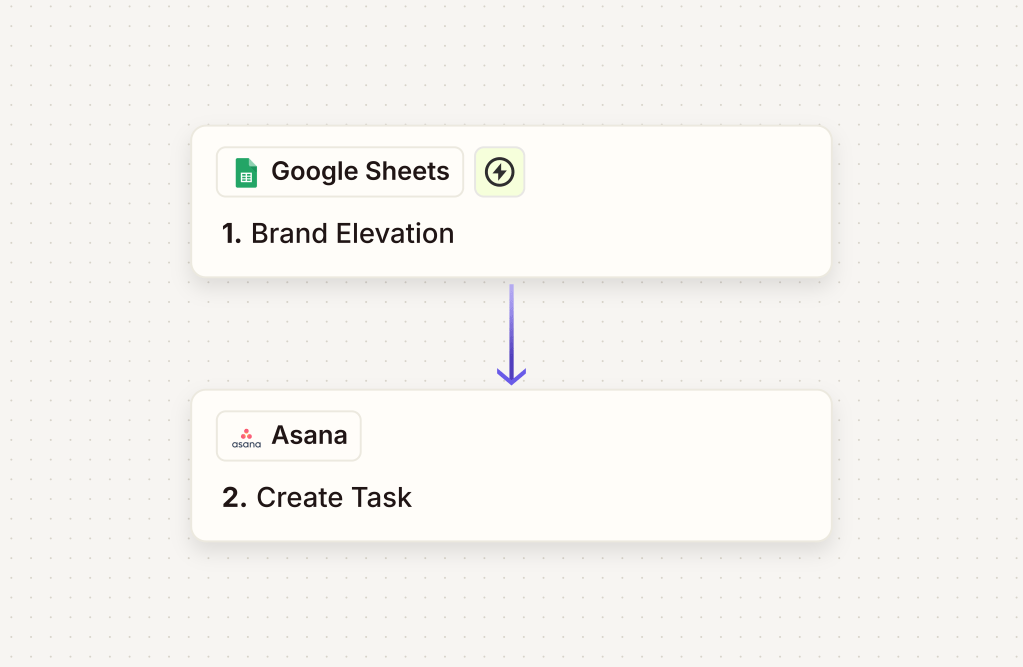
Managing multiple intake forms can become chaotic fast — especially when each one feeds into a separate Google Sheet. That’s why we helped our client streamline their process using Zapier: now every time someone submits a form, their data is sent directly to Asana as a “New Lead” task.
Goal
The client’s primary goal was to ensure that form submissions from six different sources (each connected to its own Google Sheet) could automatically feed into a single, centralized task management workflow in Asana. This would make it easier for the team to track, follow up, and convert leads quickly.
Workflow/Design
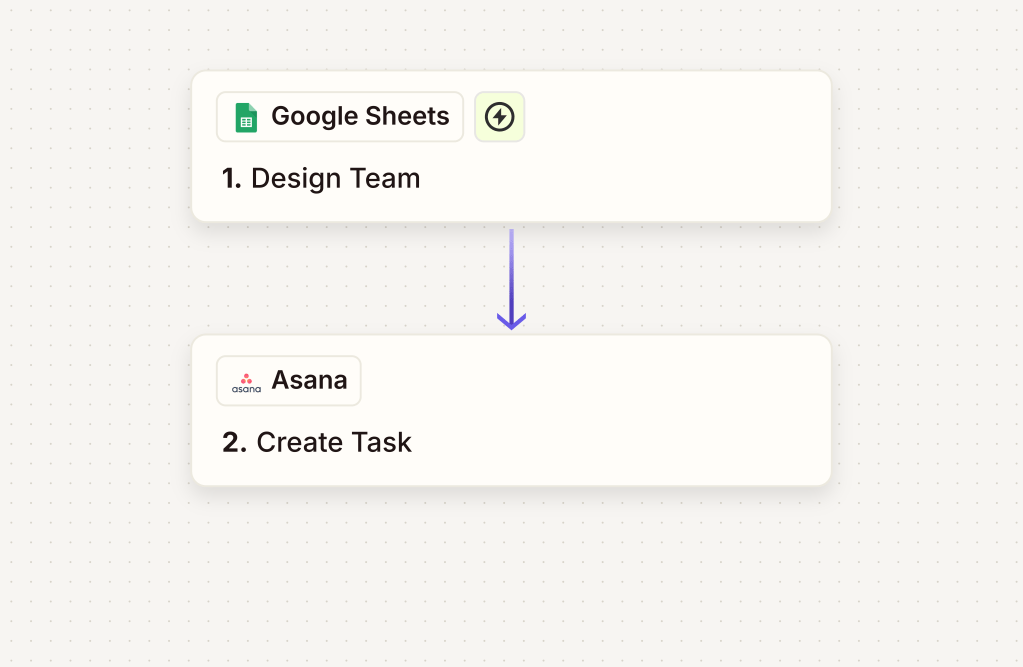
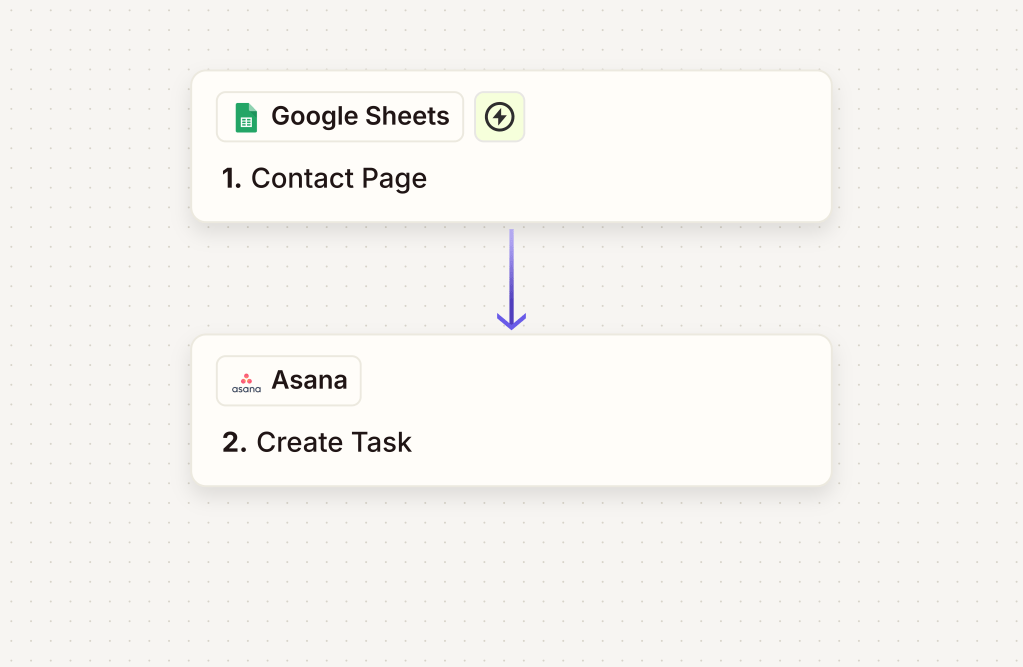
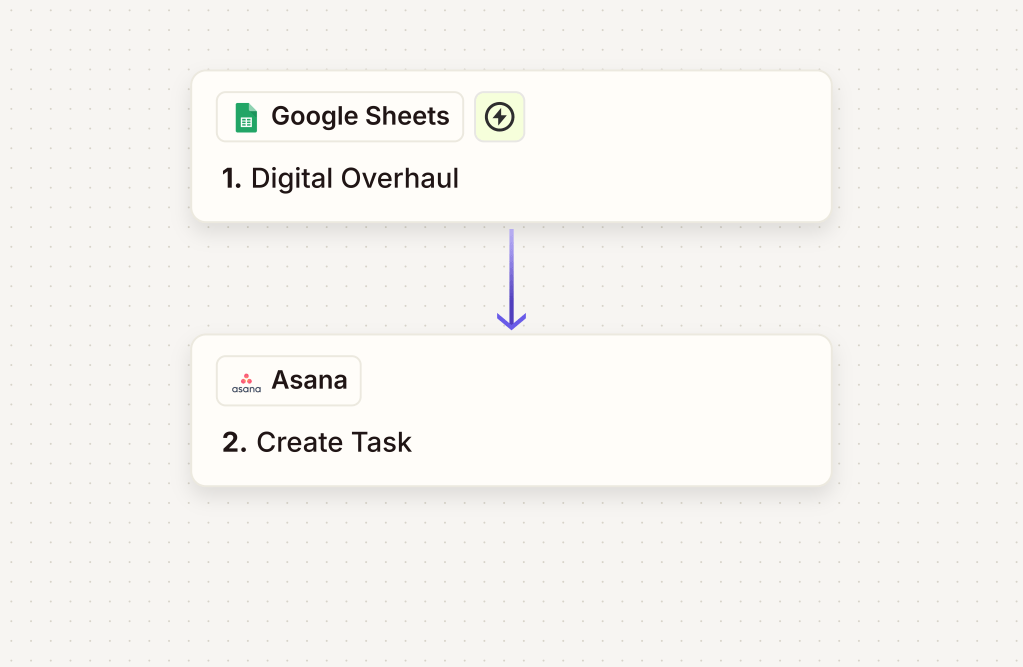
🔁 Form Submissions → Google Sheets (6 total)
🧠 Zapier Logic
• Watches all six sheets for new rows
• Adds a task to the “Leads” project in Asana
• Includes key details: name, contact info, source form, and any notes
• Assigns to the appropriate team member (optional filter step)
The Zapier automation was designed to minimize manual tracking, avoid missed leads, and keep things moving smoothly inside the client’s existing toolset.
Impact
With this automation in place:
- All new leads are visible in Asana within seconds of form completion.
- The team gets notified and can take immediate action.
- No more copying and pasting from Sheets to task boards.
The client now has a fast, organized way to act on every opportunity — without any extra admin work.
📌 Pro Tip
If you’re managing multiple forms and tools, setting up conditional filters in Zapier ensures each source can be handled uniquely (even within a single Zap).
 BAEZ TECH SOLUTIONS
Leave a comment