🧾 Overall
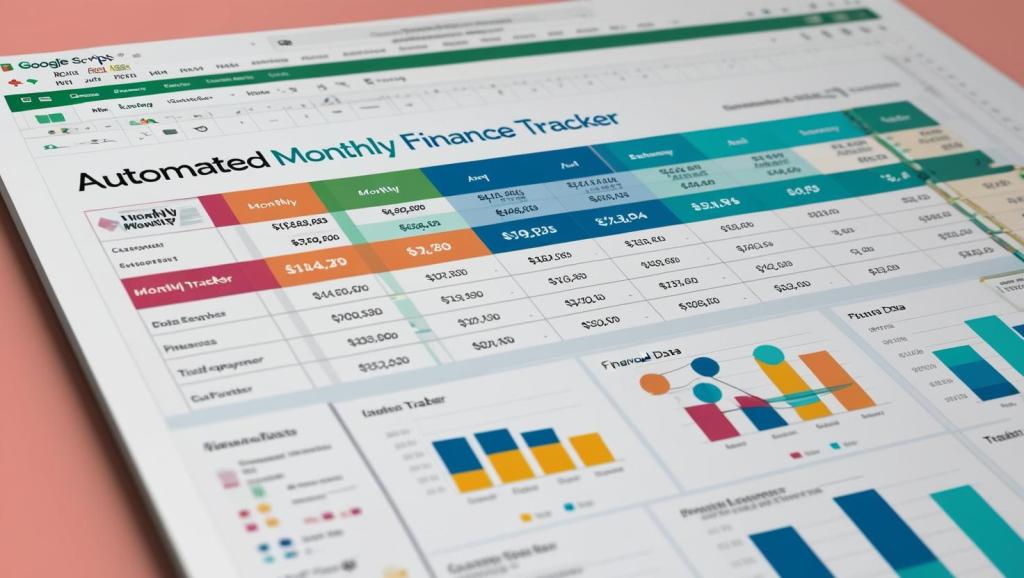
A client needed help restructuring and streamlining a monthly income and expense tracking spreadsheet in Google Sheets. The sheet was cluttered, lacked consistency across tabs, and had no automation to create new month templates or manage category dropdowns. I created a custom Apps Script solution that automates these improvements and provides a better user experience.
🎯 Goal
To clean up and standardize monthly tabs across a spreadsheet, automate the creation of future month tabs, add consistent data validation for income and expense categories, and ensure the Annual Summary tab dynamically totals income and expenses—even if expenses haven’t been categorized yet.
⚙️ Workflow/Design
Using Google Apps Script, I delivered the following features:
- Category Dropdowns: Added dropdown menus in Column C of each month’s Expenses section for:
- Advertising & Marketing
- Auto & Travel
- Legal & Professional Fees
- Supplies
- Client Gifts
- Misc
- (GCI for Income)
- Sheet Cleanup:
- Removed columns E through Z
- Deleted rows 50 to end
- Set column widths: A, C, D = 75; B = 300
- Annual Summary Automation:
- Inserted formulas to total income and expenses by month
- Expense totals now calculate even if items haven’t been categorized
- Custom Script Features: Added a new menu item in Google Sheets: 💼 Sheet Tools → ➕ Create Next Month Tab This automatically:
- Names and creates the next month’s tab
- Inserts properly structured income/expense sections
- Applies consistent formatting and dropdowns
- Instructions for Extra Categories: Included guidance for modifying the script’s dropdown list to add new categories without breaking the system.
📈 Impact
This solution improved:
- Efficiency: One-click creation of future month tabs eliminates manual setup.
- Consistency: Uniform formatting and dropdowns across all months prevent errors.
- Accuracy: Dynamic totals in the annual summary ensure financial clarity.
- Usability: The client can now maintain and scale their budget tracking independently.
 BAEZ TECH SOLUTIONS
Leave a comment