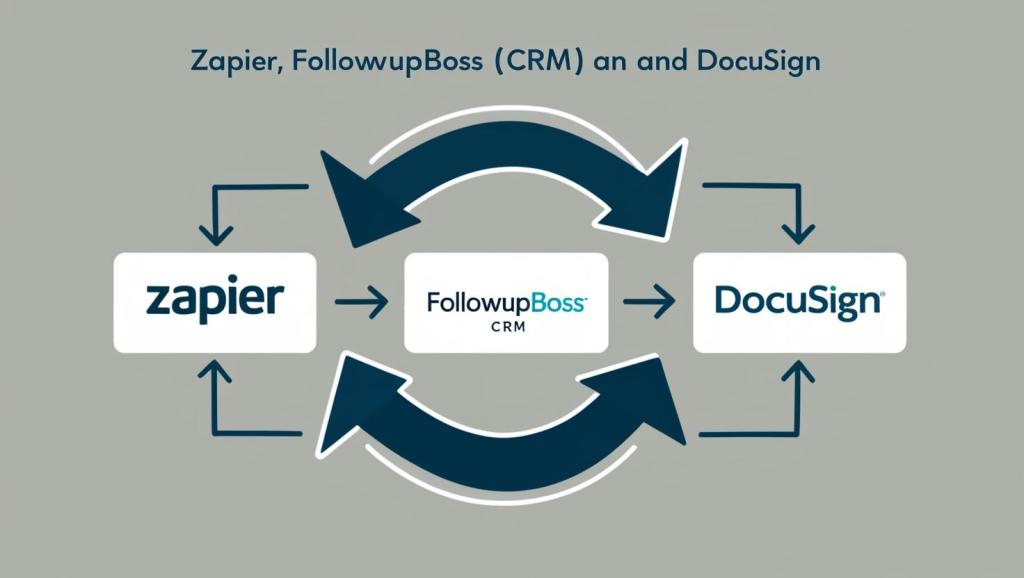
This outlines the functionality and workflow of two Zapier automations (Zaps) that integrate Follow Up Boss (FUB) with DocuSign. These automations are triggered by specific tags in FUB and streamline the process of sending DocuSign envelopes to recipients in a defined order.
🎯 Overall Goal
To automate the sending of DocuSign envelopes based on specific contact tags in Follow Up Boss, ensuring that documents are routed quickly and accurately to the correct parties using email and SMS notifications.
⚙️ Workflow
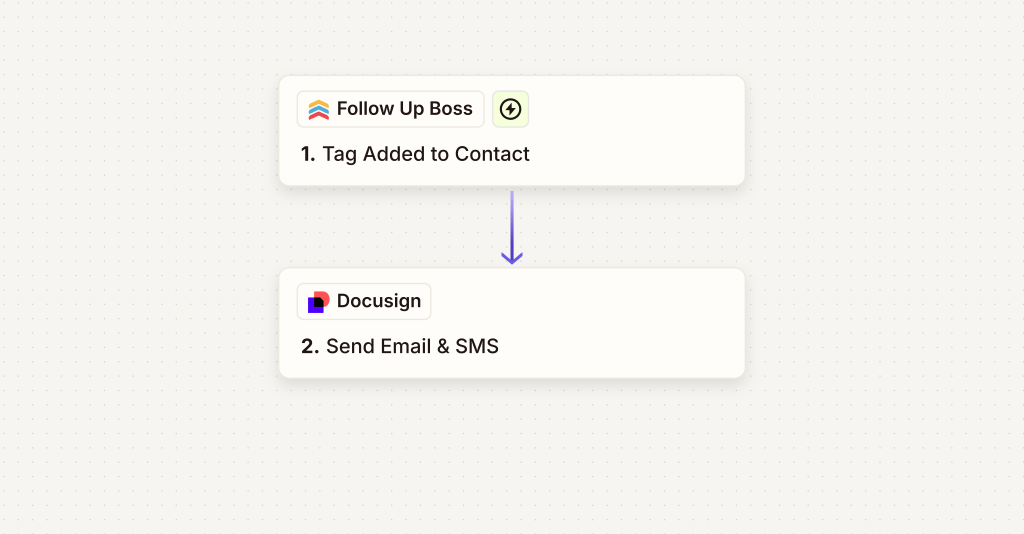
📩 Zap 1: FUB → DocuSign (Email & SMS Notification)
Trigger:
- App: Follow Up Boss
- Event: Contact Tagged
- Tag: DOCUSIGN EMAIL & SMS
Action Sequence:
- DocuSign envelope is created and sent.
- Recipient Routing Order:
- Property Management
- Seller 1
- Seller 2 (if applicable)
Delivery Method:
- Email: Primary delivery for all recipients
- SMS: Secondary notification where available
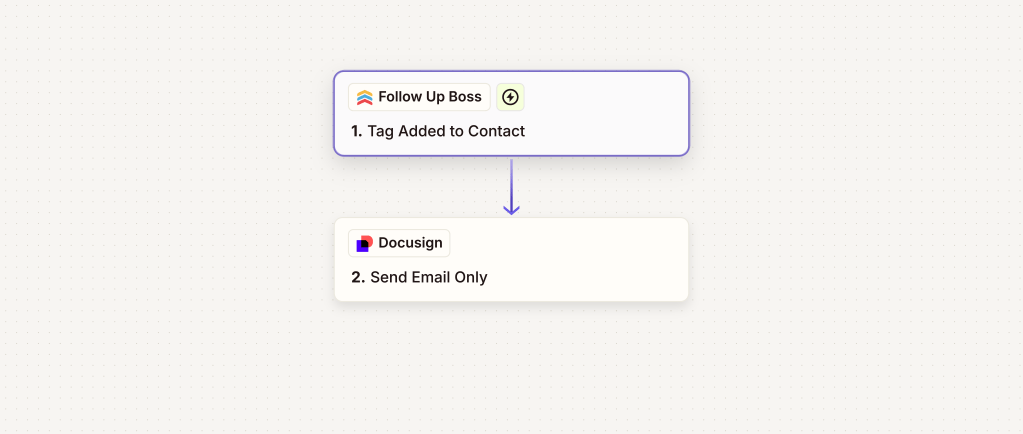
📧 Zap 2: FUB → DocuSign (Email Only)
Trigger:
- App: Follow Up Boss
- Event: Contact Tagged
- Tag: DOCUSIGN EMAIL
Action Sequence:
- DocuSign envelope is created and sent.
- Recipient Routing Order:
- Property Management
- Seller 1
- Seller 2 (if applicable)
Delivery Method:
- Email only for all recipients
📈 Impact
These automations reduce manual data entry, speed up the document routing process, and ensure consistent communication with key stakeholders. By integrating FUB and DocuSign, the workflow becomes more efficient and reliable, improving turnaround time and client satisfaction.
 BAEZ TECH SOLUTIONS
Leave a comment