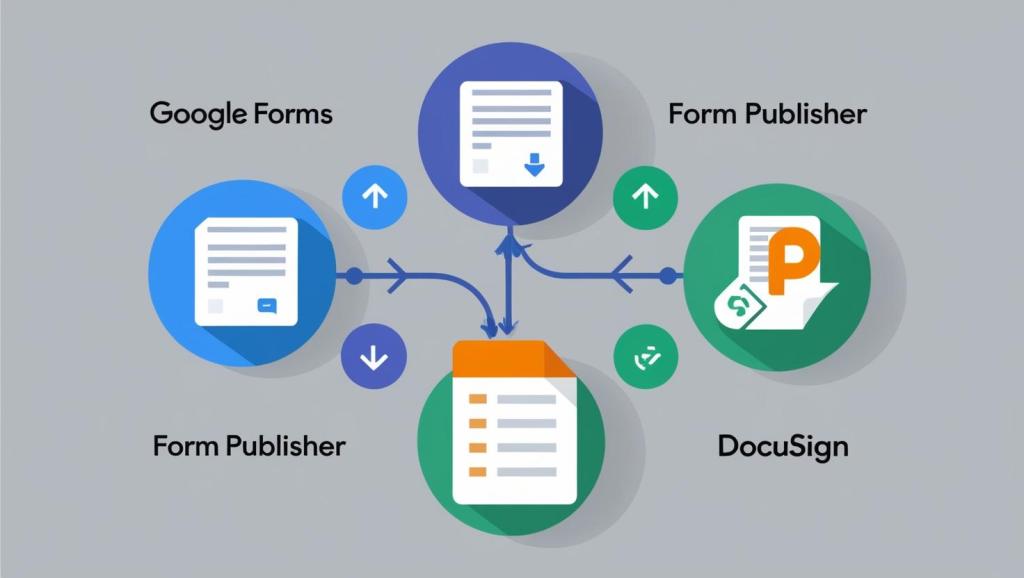
Leveraging Form Publisher, Google Docs & Docusign to Send Proposals
In a recent project, I helped a client automate their document generation and e-signature process using a powerful yet accessible toolset: Google Forms, Form Publisher, and the DocuSign add-on for Google Workspace. The goal was to eliminate manual document prep and simplify proposal delivery—without relying on complex platforms or expensive integrations.
🛠 The Challenge
The client needed to:
- Collect key customer data (Name, Address, Service Details) via a form
- Automatically generate a proposal using that data
- Send the proposal to the customer for e-signature
- Keep the workflow lightweight and easy to maintain
✅ The Solution
I implemented the following workflow:
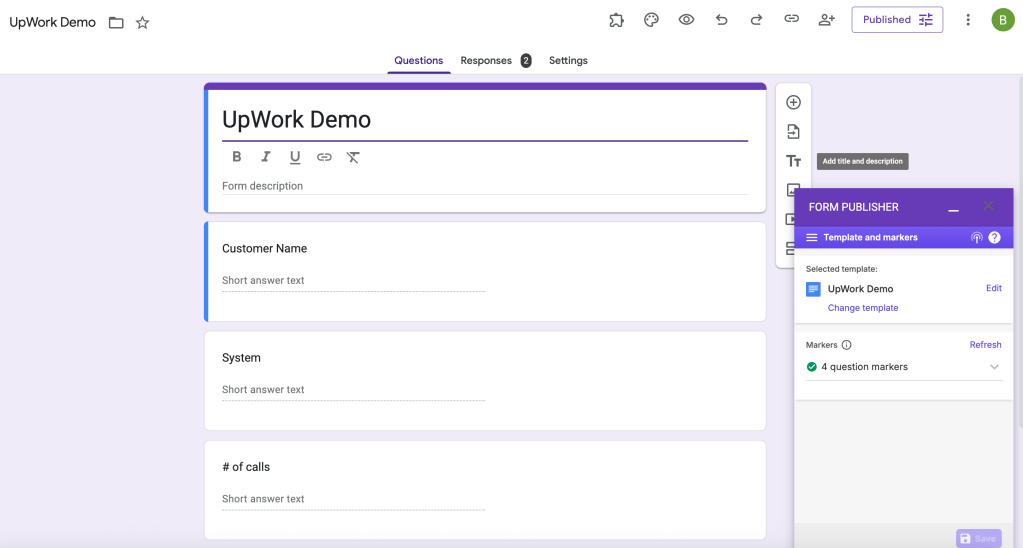
- Google Form Setup A simple, user-friendly Google Form was created to collect the required client information—like name, system type, number of calls, and address.
- Form Publisher Integration Using Form Publisher, we linked the form to a Google Docs template. As soon as the form was submitted:
- The data was dynamically mapped into specific placeholders in the document
- A new Google Doc was generated for each entry
- The document was automatically stored in a shared Google Drive folder
- DocuSign Add-on With the Google Doc ready, the client could launch the DocuSign Add-on directly from within Google Docs. This allowed them to:
- Quickly insert signature fields
- Define recipients
- Send the document for signature—all without leaving the Google ecosystem
🚀 Results
- Reduced proposal generation time by 80%
- Minimized human error by automating data mapping
- Enabled seamless client signature collection with no coding required
💡 Why This Works
This solution is ideal for teams looking to streamline proposals, agreements, or any repeatable document process. It’s flexible, scalable, and doesn’t require expensive software or deep technical skills—just smart use of Google Workspace tools.
 BAEZ TECH SOLUTIONS
You must be logged in to post a comment.