Overview:
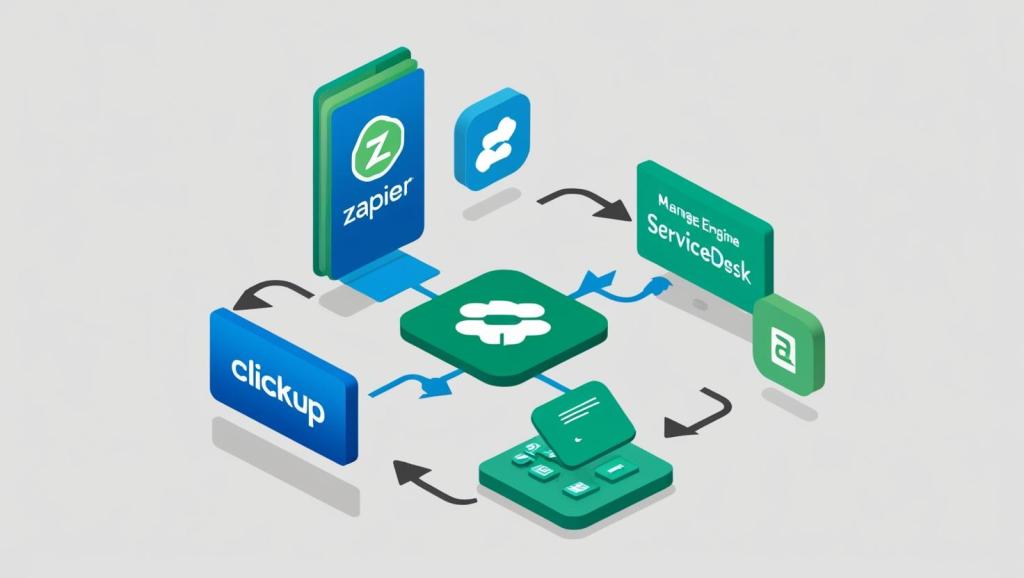
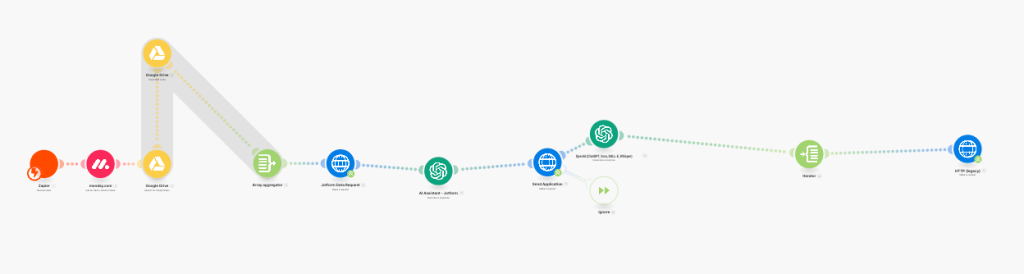
I designed and implemented a Zapier-based automation to streamline internal IT report and dashboard requests submitted through ManageEngine ServiceDesk. This workflow eliminates manual task creation and ensures requests are routed accurately based on request type.
Workflow Details:
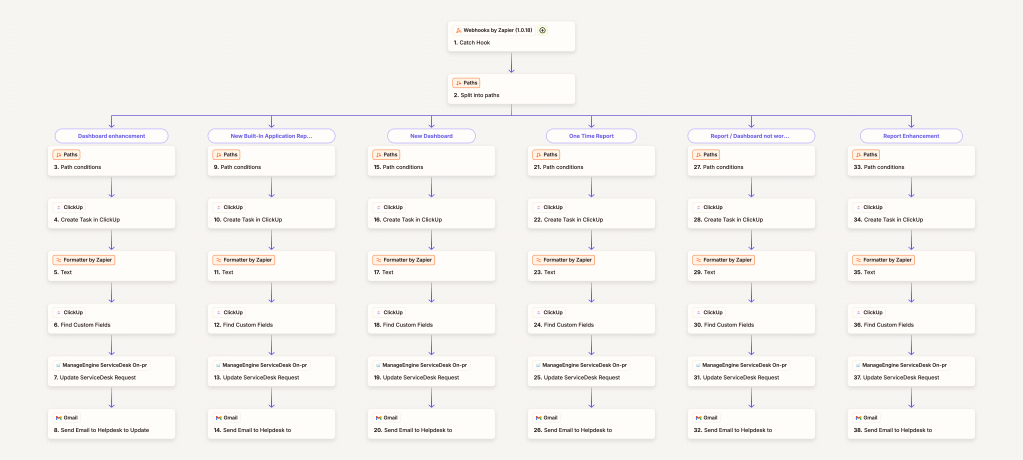
• Trigger: When an employee submits a report or dashboard request via a ManageEngine ServiceDesk form, a webhook sends the data to Zapier.
• Request Parsing: Zapier parses the form submission and identifies the type of request (e.g., ad hoc report, dashboard update, recurring report).
• Task Creation: Based on the request type, Zapier generates a tailored ClickUp task card with only the relevant details needed for that specific request.
• Routing & Organization: The task is automatically assigned to the appropriate IT or analytics team for review and execution.
• Closure: Once the task is created in ClickUp, Zapier updates the original ServiceDesk ticket and marks it as closed or resolved.
Impact: This automation reduced turnaround time, minimized errors from manual entry, and improved communication between end users and IT staff by clearly organizing requests in ClickUp.
 BAEZ TECH SOLUTIONS
Leave a comment